Kubernetes Triggers
Kubernetes Triggers allow you to automatically run Testkube actions based on Kubernetes events. You might add a Trigger, for example, to run smoke or regression tests after a deployment to validate application health.
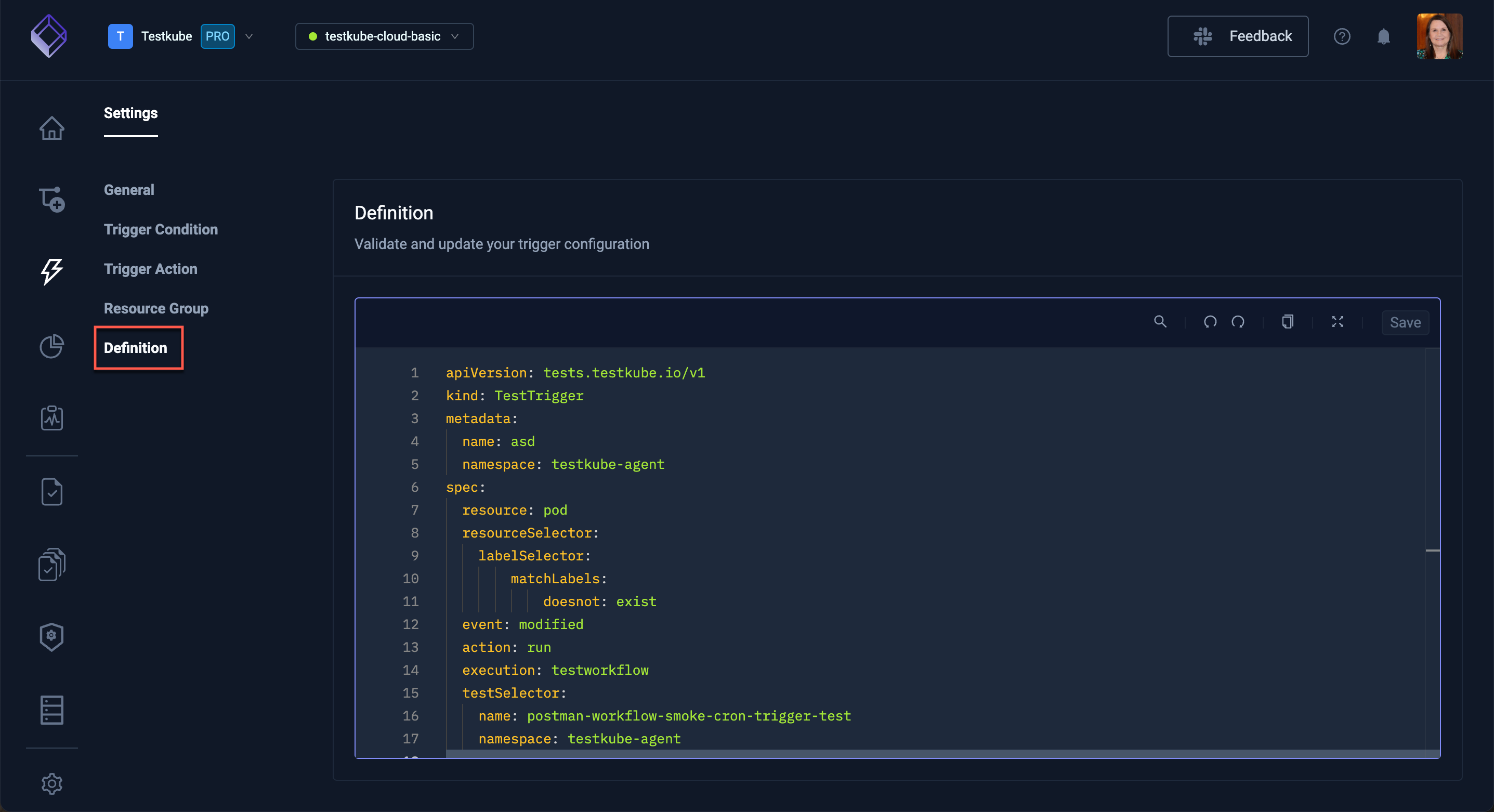
You can create and manage Triggers in your Environment via the Testkube Dashboard, selecting Integrations from the left navigation pane then proceeding to the Kubernetes Triggers tab. For additional information, read Kubernetes Event Triggers.
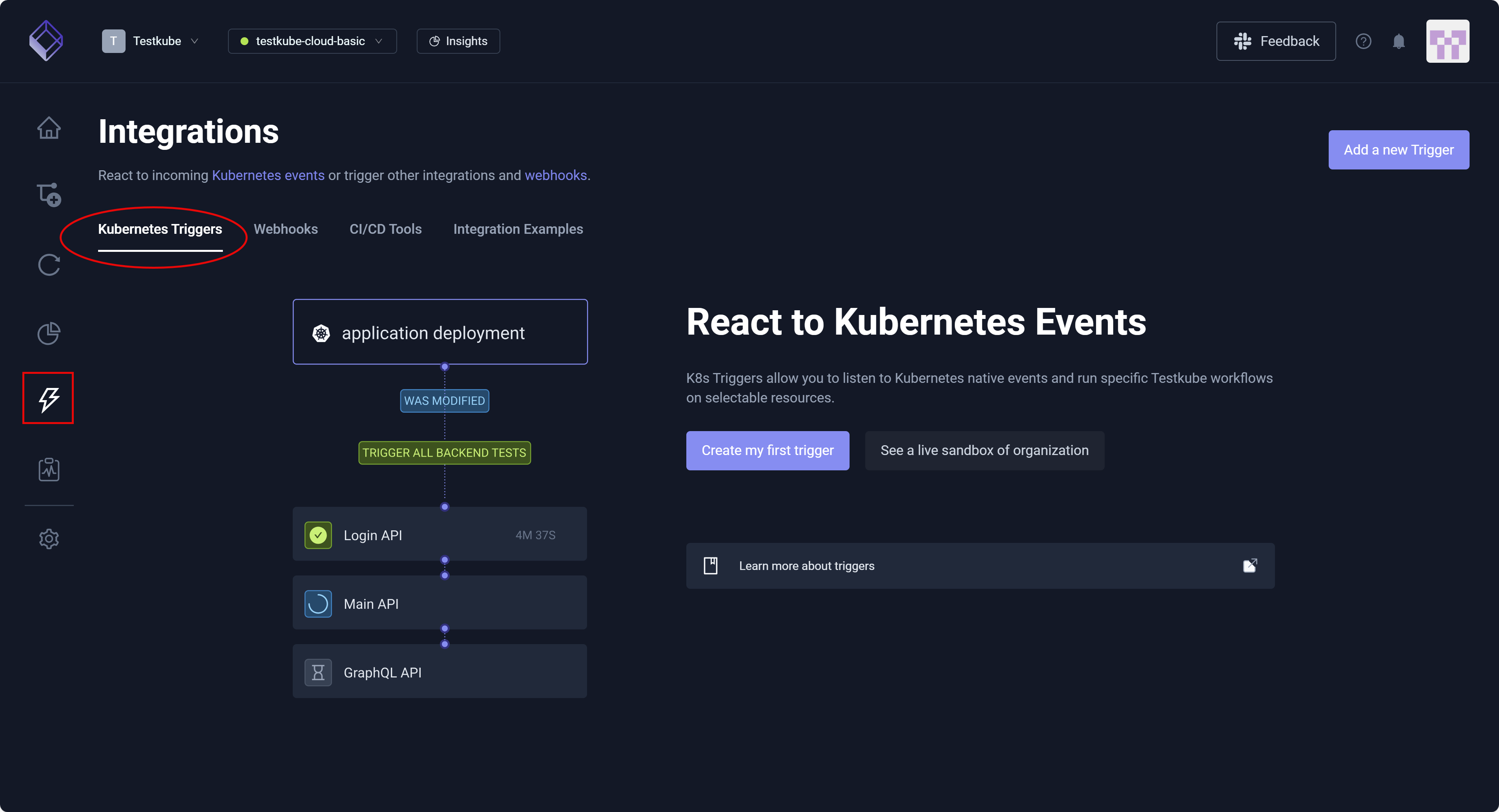
The Kubernetes Triggers tab displays a list of any available Triggers, allowing you to select each for review, update, or deletion.
Triggers respond to Kubernetes events; webhooks respond to external HTTP calls. More specifically, Triggers are event-driven and internal to Kubernetes – reacting automatically to Kubernetes resource events (such as create/update/delete) inside a cluster. Webhooks are request-driven and external – exposing an HTTP endpoint that runs a Testkube action when called by external systems, such as CI/CD tools, GitHub, or other services.
Add a new Trigger
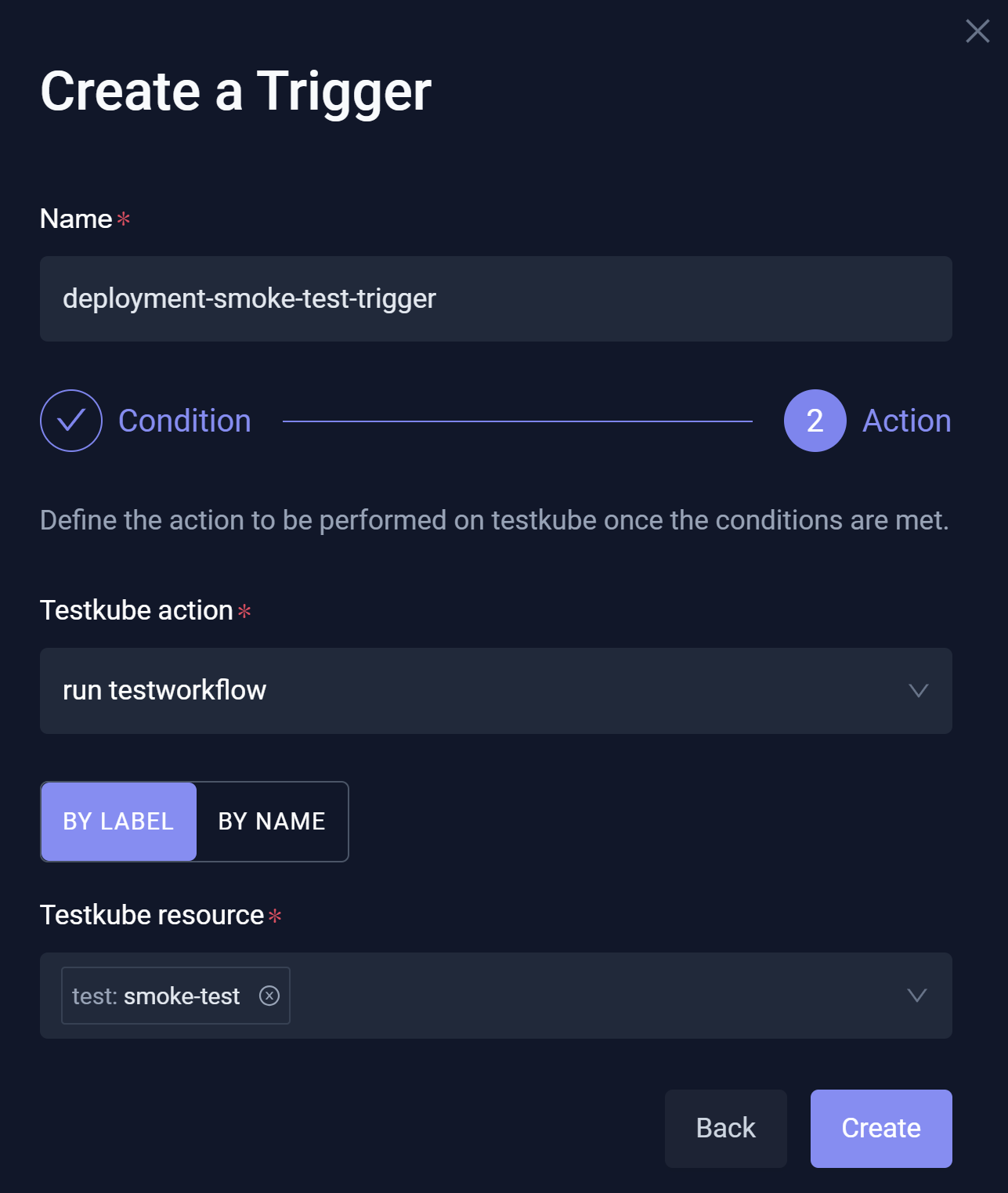
You can select Add a new Trigger or Create my first trigger (as appropriate) to access the Create a Trigger modal.
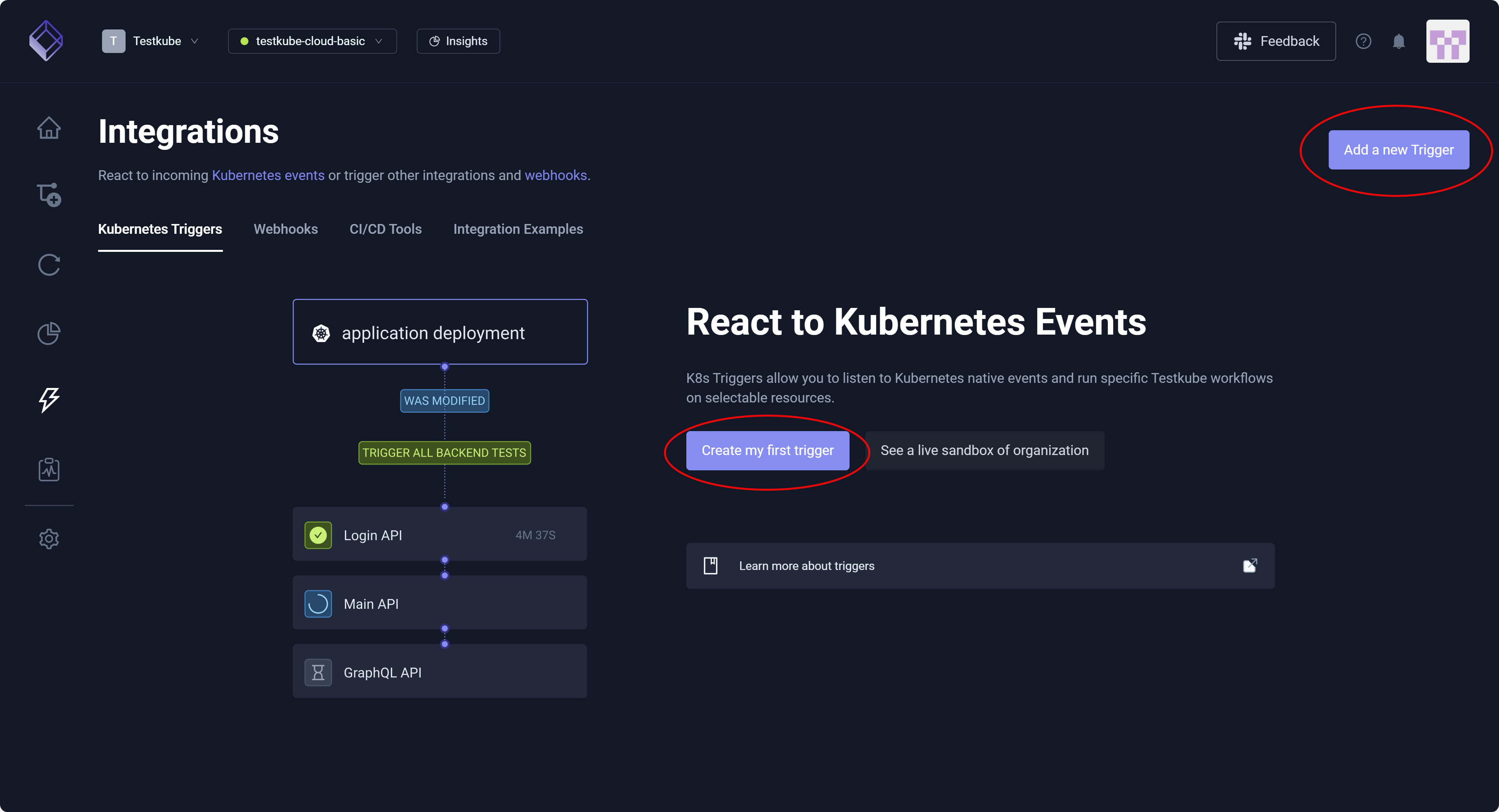
Add a new Trigger exposes basic configurations. For additional information, read Resource Conditions and Action Parameters. You can modify the generated YAML directly in the Definition for this Trigger.
New Trigger Condition
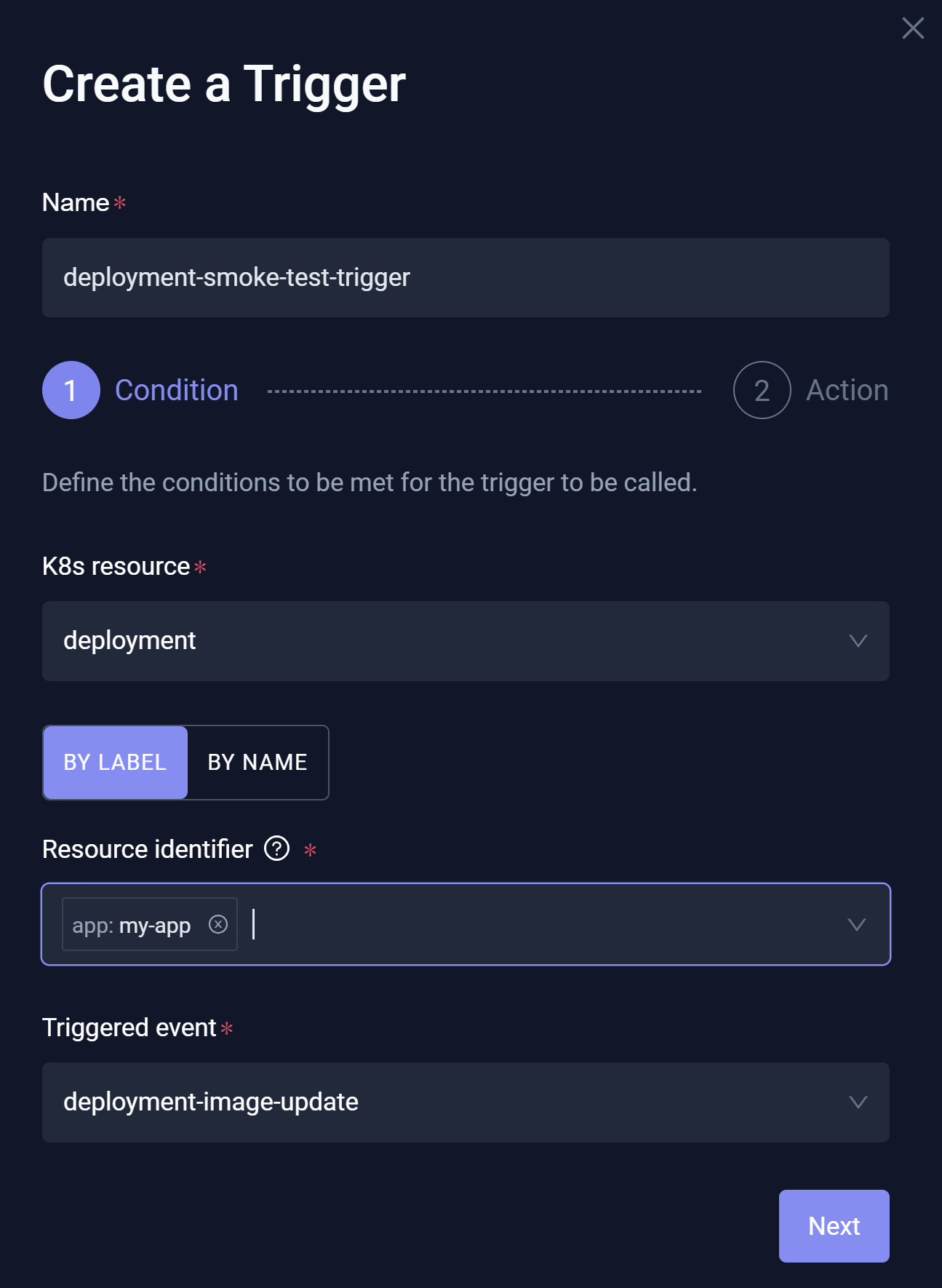
The Create a Trigger modal displays:
- Name – Unique identifier that must represent a valid Kubernetes name, as Triggers are stored as Custom Resource Definitions (CRDs) in your cluster.
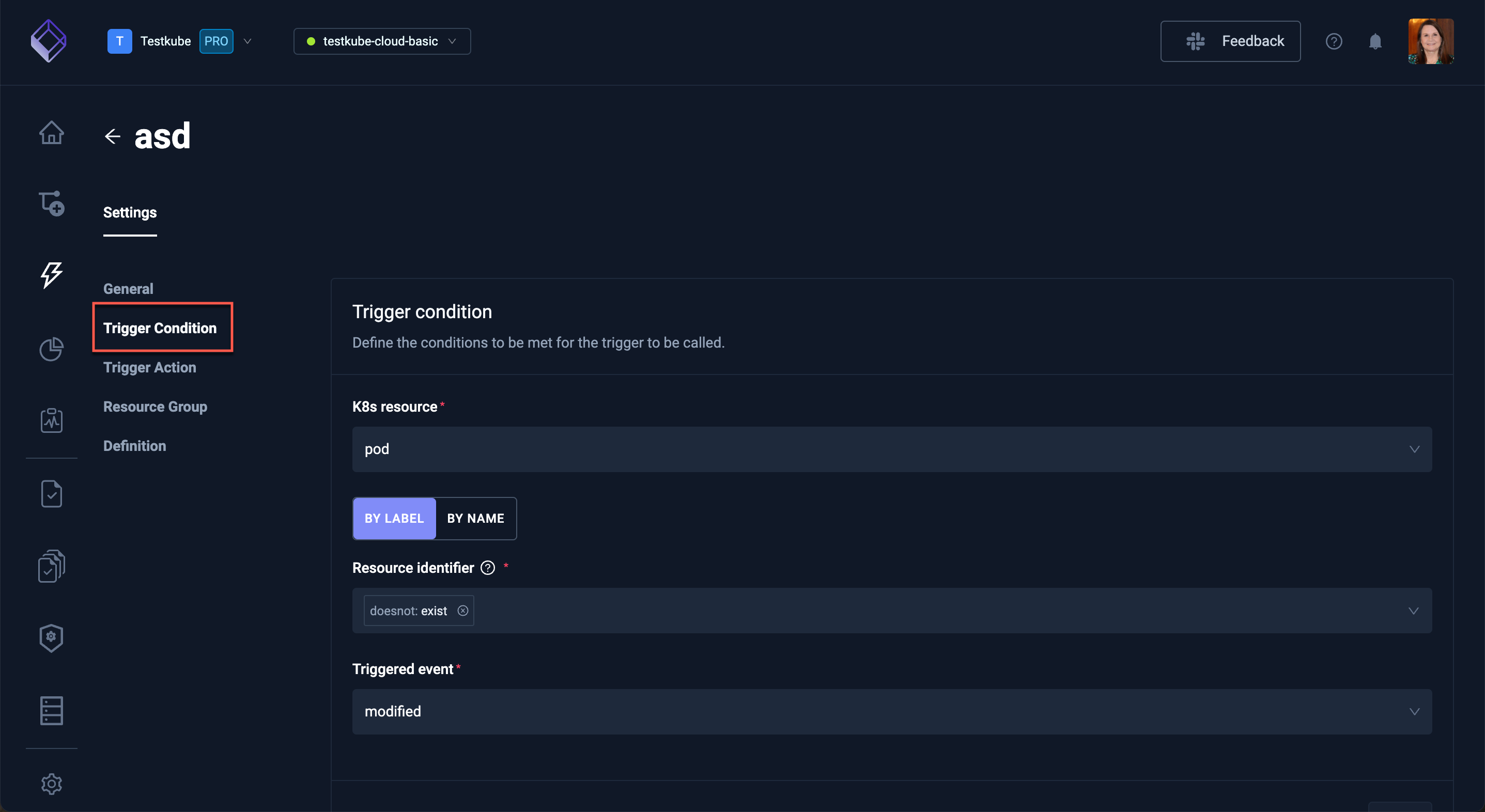
- K8s resource – Cluster object (Pod/deployment/job) that Testkube monitors to determine if an event Triggers.
- Resource identifier – A way to select which specific Kubernetes resources to monitor, using either a resource name or labels.
- Triggered event – The specific Kubernetes action (such as create/update/delete) that causes the Testkube Trigger to run.
EXAMPLE
When a new version of an app is deployed to Kubernetes, automatically run a smoke test to confirm that the app started correctly.
This Trigger will help identify deployment issues early and without manual testing.
-
Enter the Name, K8s resource, Resource identifier, and Triggered event.
-
Select Next.
-
Enter Testkube Action and Testkube Resource.
-
Select Create.
Trigger Settings
You can select an existing Trigger to view its Settings.
Similar to Create a Trigger, Settings only exposes basic Trigger configurations. For more advanced action and condition configurations, you can modify the generated YAML directly in the Definition for this Trigger.
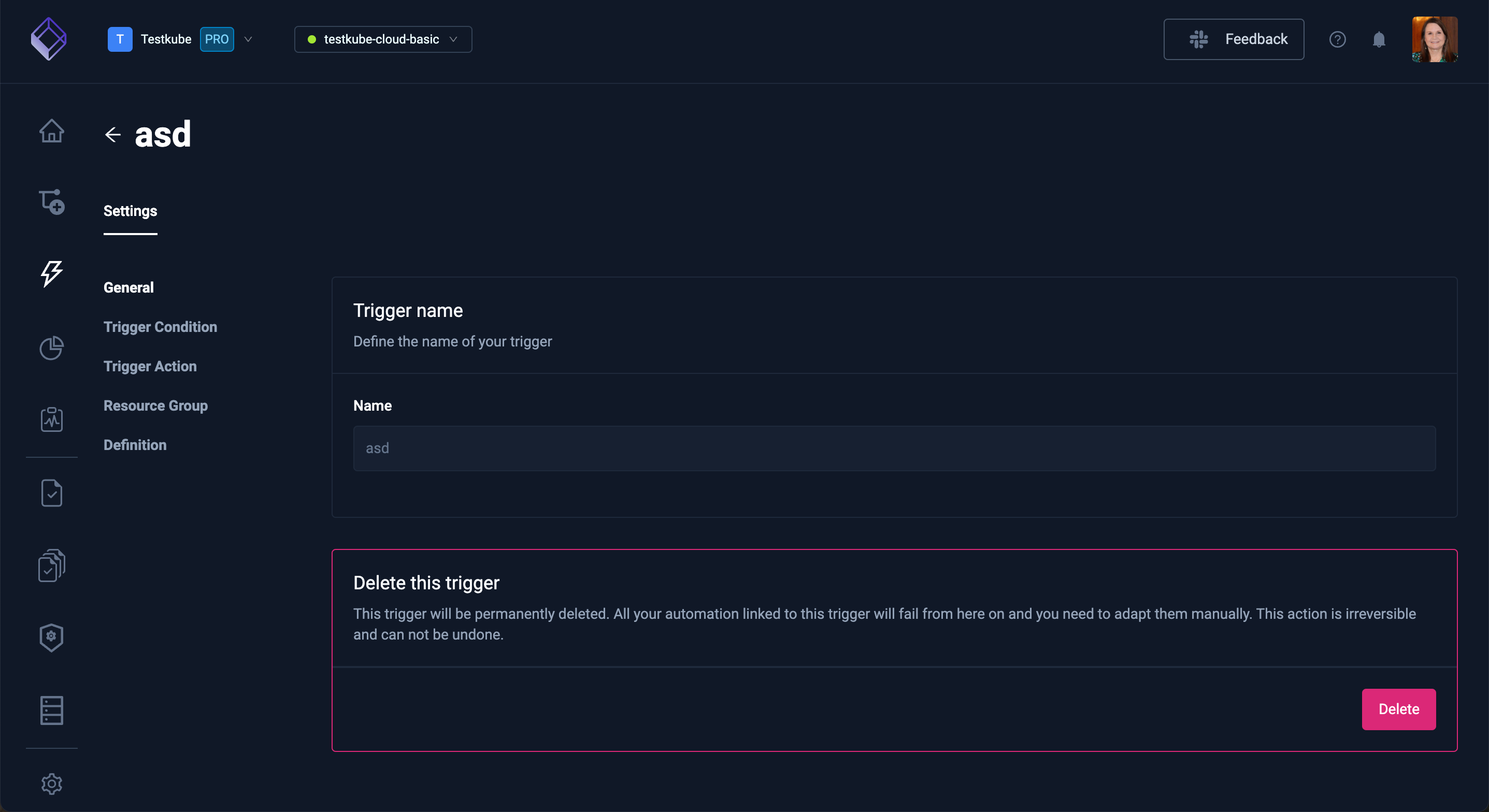
General
This setting allows you to modify the Trigger name or Delete this trigger, if needed.
Trigger Condition
This setting specifies the conditions that must be satisfied to invoke this Trigger.
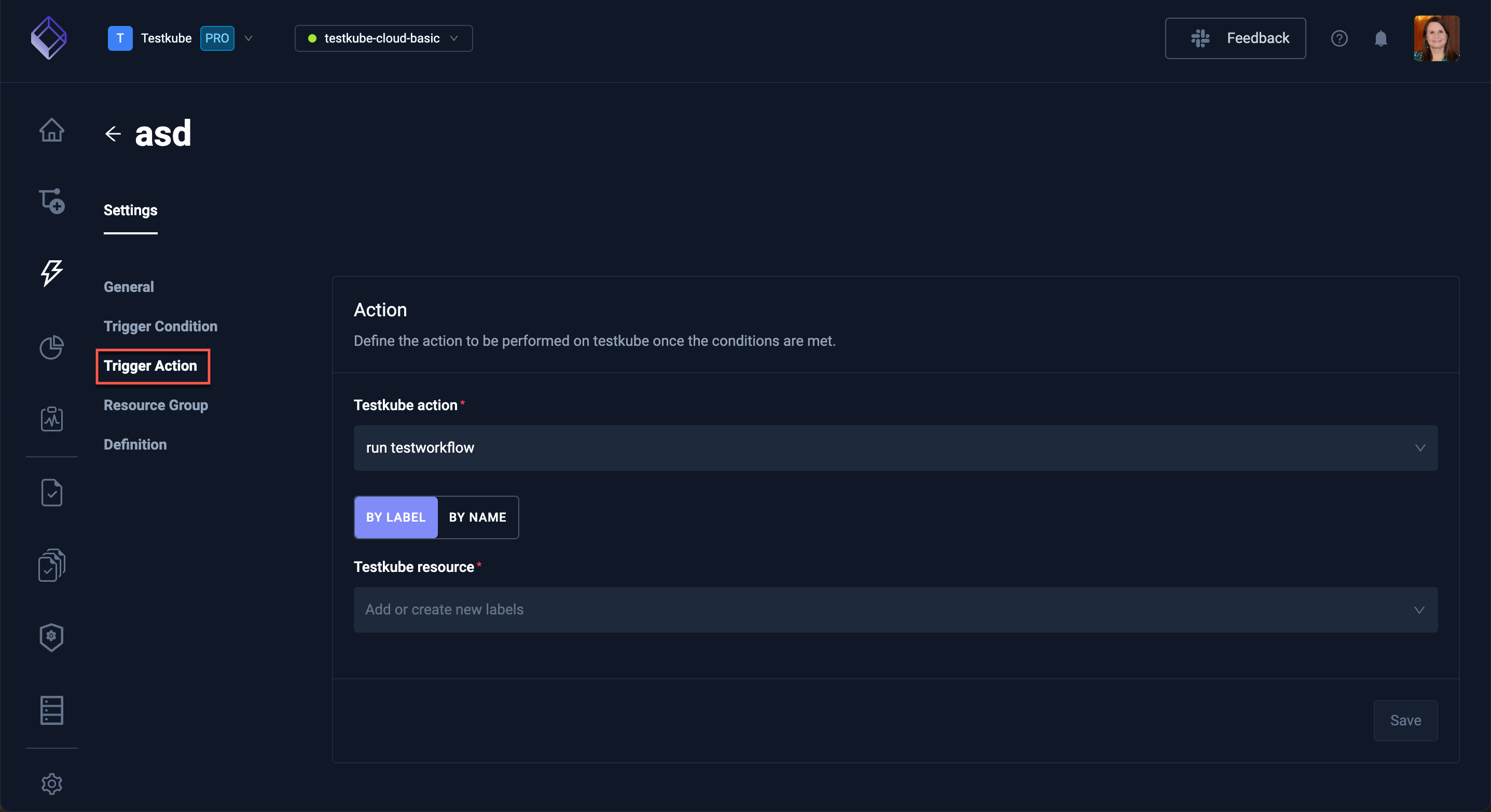
Trigger Action
This setting defines what happens once the Trigger conditions are satisfied.
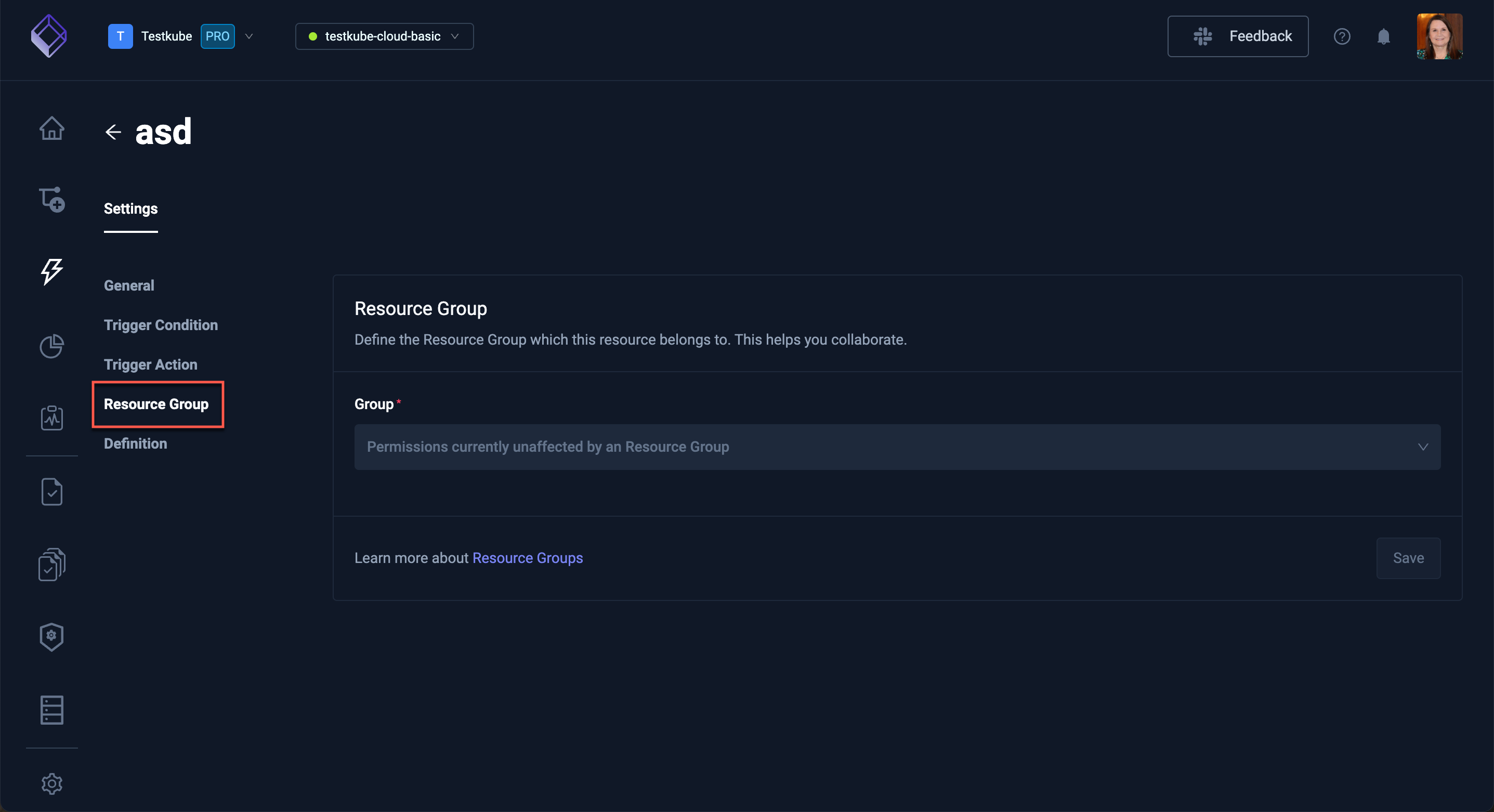
Resource Group
This setting identifies the Resource Group that contains this Trigger. For additional information, read Resource Groups.
Definition
This setting displays the underlying YAML for your Trigger, enabling you to manually configure the Trigger as opposed to using the tabs.